
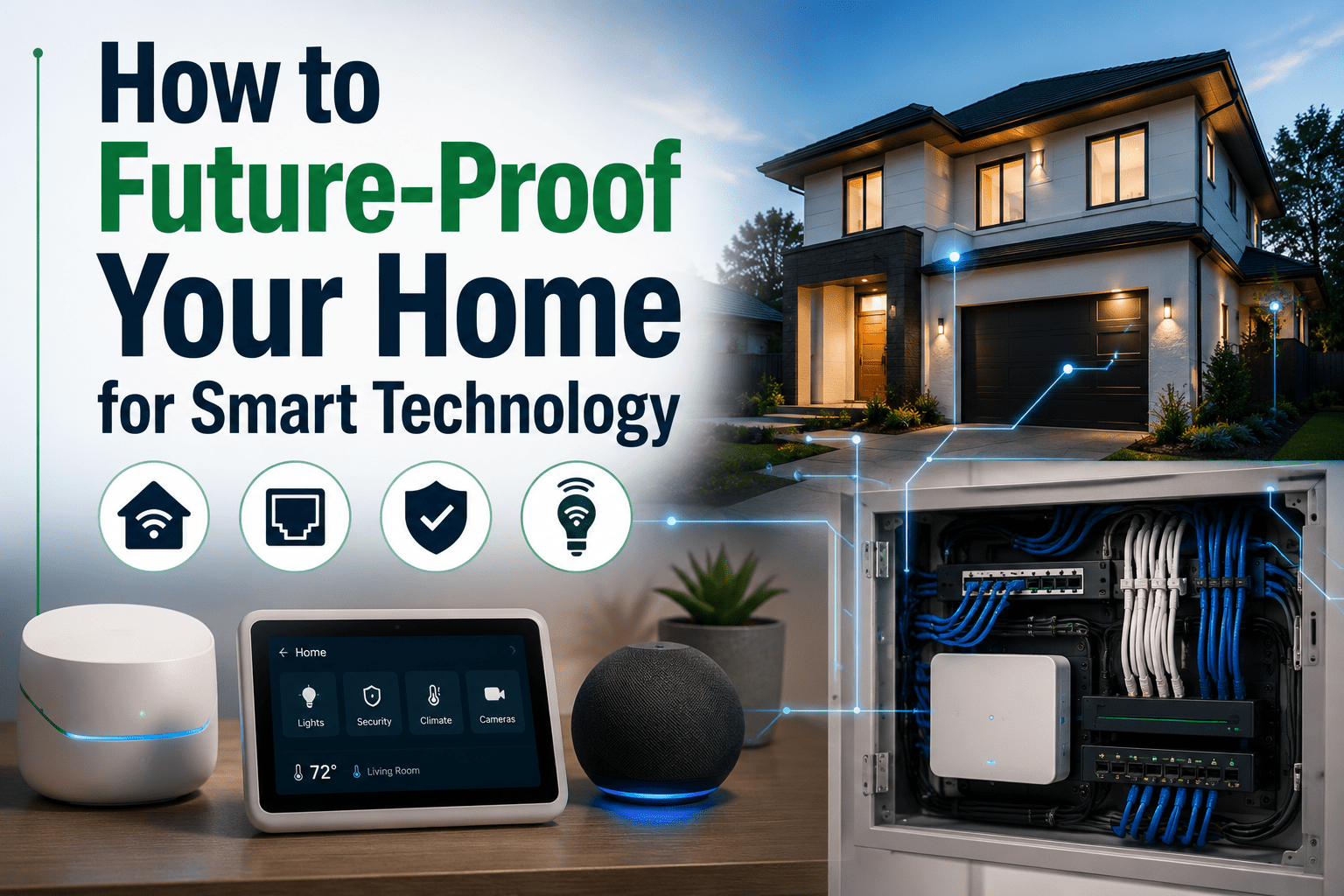


Building a smart home is super exciting, but tech moves so fast, doesn’t it? That cool smart display or security system you put in today could feel old-fashioned in just a few years. The real trick to building a smart home isn’t choosing the right gadgets today. It’s designing your home so tomorrow’s technology is easy to add. It’s about how easily you can update them later. If you plan for future upgrades from the get-go, you can avoid expensive, messy renovations down the road. It turns your home into a flexible spot for all the new tech that comes out. This idea is becoming a big deal in modern smart home architectural design, where homes are built to be adaptable from day one. If you’re building a new home or planning a major renovation, I also share additional planning tips in HomeTechHacker’s article on Tips for Building a New Construction Smart Home.
Designing for Flexible Tech Layouts
To get your home ready for tech upgrades, start with what’s inside your walls. Instead of just running one Ethernet or speaker cable straight to where it needs to go, put in a conduit or smurf tube. These are like flexible plastic pipes that create a protected path. That way, you can easily pull in new kinds of wires later, like fiber optics or next-gen data cables, without having to rip open your drywall.
Another smart move is to set up a central spot for all your home’s low-voltage wiring. Think of this “tech closet” or structured media center as your home network’s brain. It’s where your router, modem, network switch, and any smart home hubs live. If you run all your conduits to this one central point, troubleshooting and upgrading your gear becomes super simple. Just as flexible interior design makes it easier to adapt your living spaces over time, planning your home’s technology infrastructure helps keep it ready for future upgrades.
Anticipating Structural Changes

Sometimes, a tech upgrade means more than simply replacing a device. Creating a dedicated home theatre, expanding an open-plan living area, or building a smart outdoor entertainment space may require structural changes to your property. In some cases, demolition is the first step in removing an outdated structure or reconfiguring part of your home before new technology can be integrated. Planning for these larger projects early helps ensure your home’s layout can continue evolving alongside your technology.
Thinking about these potential big changes now can actually help with your current renovation plans. For example, if you think you might want to combine two rooms later, have a structural engineer assess whether any walls can be safely altered before finalising your plans. Planning these possibilities early can help coordinate structural work, electrical wiring, and other upgrades more efficiently, reducing the need for additional disruption later.
When Smart Home Upgrades Mean More
Simple upgrades, like changing a smart light bulb, are a breeze. But what about projects that are more deeply connected to your home’s systems? Installing automated blinds, for instance, means you need to run low-voltage power to every window. A whole-home audio system involves wiring up multiple rooms for speakers in the ceiling or walls. Even upgrading to a smart HVAC system with sensors in every room needs careful planning and professional installation.
These are the kinds of upgrades that are really tough to add once your walls are all closed up. If you’re doing any kind of renovation, whether it’s finishing a basement or remodeling a kitchen, think about running the necessary wiring for future projects while you have the chance. It’s way cheaper and easier to run an extra cable or two while the walls are open than to try and do it years later.
Ensuring Safe Project Execution
As your smart home projects get more complicated, safety becomes super important. While lots of smart devices are just plug-and-play, anything that touches your home’s electrical system needs caution. If you’re not experienced with electrical work, always hire a licensed electrician. They can make sure new outlets or hardwired devices are installed correctly and that you’re not overloading any circuits.
It’s also good to know the rules in your area. Big electrical or structural work often needs a permit from your local building department. This isn’t just annoying paperwork; it’s there to make sure the work is done safely and meets all the codes. If you do a project without a required permit, you could face fines and big headaches if you ever decide to sell your home.
Post-Project Cleanup and Integration
Once everything’s done and the tools are put away, the final step is connecting your new hardware into your smart home system. This is where you clean up the digital side of things. Start by carefully labeling all the new cables in your tech closet. Your future self will thank you for this simple step when it’s time to fix something or upgrade.
Next, you’ll need to add and set up your new devices in your smart home app or hub. As your smart home grows, it’s also important to think about securing those connected devices. HomeTechHacker’s article How I Protect My Network from IoT Device Hacking explains one practical approach to protecting a smart home from network-based threats.
This is the perfect time to create new automations and scenes that use your new capabilities. For example, if you’ve put in automated blinds, you can make a “movie night” scene that dims the lights, lowers the blinds, and turns on your media system all with one command. Taking the time to fully integrate and organize your new tech is what turns a collection of gadgets into a truly smart and connected home. If you’re looking for a real-world example of how a mature smart home evolves over time, HomeTechHacker’s annual State of My Smart Home series offers an inside look at a continually improving smart home ecosystem.
Planning helps make sure your smart home stays convenient and fun for years to come, ready for whatever new ideas the future brings.
how-to-future-proof-your-home-for-smart-technology